
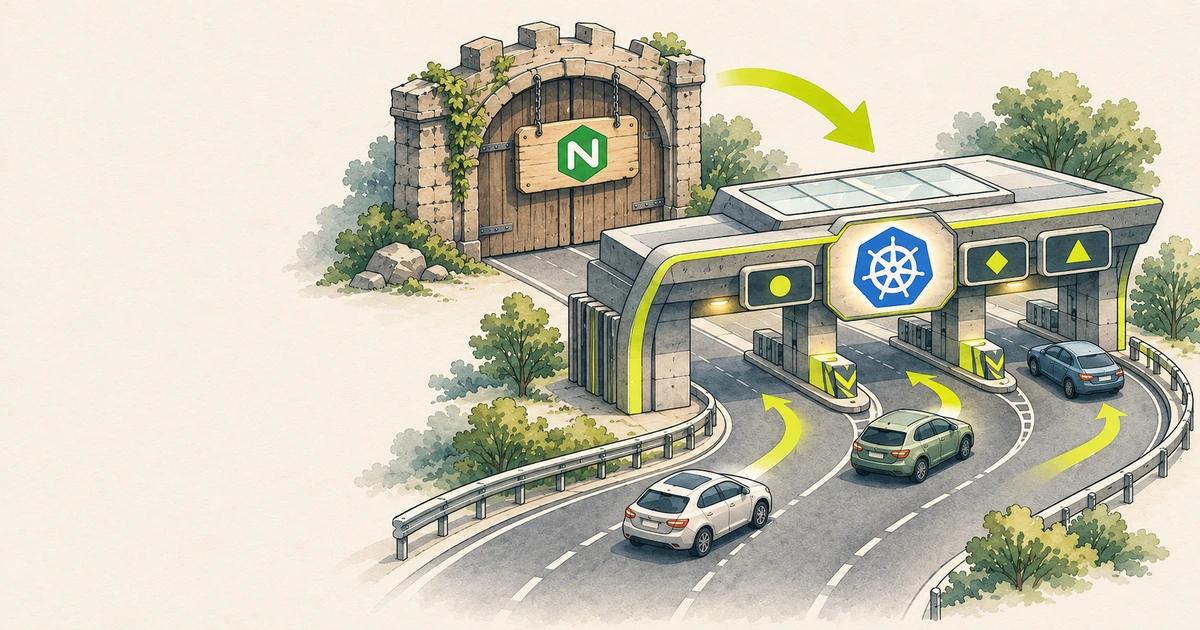
If your Kubernetes cluster routes traffic with the community Ingress-NGINX controller, it is running unmaintained software. The Kubernetes project announced its retirement in November 2025, and best-effort maintenance ended in March 2026. There are no more releases or security fixes, and an ingress controller is one of the most exposed components in a cluster.
The recommended path is Gateway API, the newer Kubernetes standard for traffic routing. This guide explains the model and walks through a low-risk migration.
First, check whether you are affected
The retirement covers the community kubernetes/ingress-nginx project. It does not cover the separate NGINX Ingress Controller maintained by F5/NGINX. Find out which one you run:
kubectl get pods --all-namespaces \
  --selector app.kubernetes.io/name=ingress-nginx
kubectl get ingressclass
If you see pods from the ingress-nginx chart, or an IngressClass with the controller k8s.io/ingress-nginx, this guide applies to you.
Gateway API in plain language
The old Ingress resource packed everything into one object and relied on controller-specific annotations for anything beyond simple routing. Gateway API splits responsibilities into separate resources:
- GatewayClass: which implementation runs the gateways, installed by the platform team.
- Gateway: the actual entry point, with listeners, ports, hostnames and TLS certificates. Usually owned by the platform team.
- HTTPRoute: routing rules from paths and headers to Services. Owned by application teams.
Features that needed annotations before, such as header matching, traffic splitting and redirects, are part of the standard API now, so routes are portable between implementations.
Choose an implementation
Gateway API is a specification; you still need a controller. Popular conformant options include Envoy Gateway, Istio, Cilium, kgateway, Traefik and NGINX Gateway Fabric, plus managed gateways on GKE, EKS and AKS. Choose based on what your team already runs, conformance level, and support. Install the Gateway API CRDs and your chosen controller alongside Ingress-NGINX; do not remove anything yet.
Convert your Ingresses with ingress2gateway
The Kubernetes SIG Network tool ingress2gateway reached 1.0 in March 2026. Earlier versions understood only three Ingress-NGINX annotations; 1.0 converts more than 30. It reads Ingress resources and prints equivalent Gateway API resources.
ingress2gateway print --providers=ingress-nginx \
  --all-namespaces > gateway-resources.yaml
The output contains a Gateway and HTTPRoutes. An example of a converted route:
apiVersion: gateway.networking.k8s.io/v1
kind: HTTPRoute
metadata:
  name: shop
  namespace: shop
spec:
  parentRefs:
    - name: public-gateway
      namespace: gateway-system
  hostnames:
    - shop.example.com
  rules:
    - matches:
        - path:
            type: PathPrefix
            value: /api
      backendRefs:
        - name: shop-api
          port: 8080
Treat the output as a draft, not a finished migration. Read every file before applying it.
What the tool cannot convert
- Raw NGINX snippets such as
configuration-snippetandserver-snippet. These are flagged as unsupported. Find out what each snippet does and replace it with a Gateway API feature or a policy resource from your implementation. Snippets were also a common source of security issues, so this is a good time to remove them. - cert-manager settings. The tool does not know which ClusterIssuer you want, so add certificates to the Gateway listeners yourself.
- Implementation-specific behaviour, such as default timeouts, body size limits and regex path handling, which may differ between controllers.
Migrate with both stacks running
Do not switch everything at once. A safe sequence:
- Install the new controller and create the Gateway with its own load balancer address.
- Apply the converted HTTPRoutes. Both controllers now serve the same apps on different addresses.
- Test each hostname against the new address, for example with
curl --resolve shop.example.com:443:<new-ip> https://shop.example.com/. - Move DNS one hostname at a time, starting with low-risk services, with a short TTL so you can roll back quickly.
- Watch error rates and latency for each service after it moves.
- Delete the Ingress resources and uninstall Ingress-NGINX only when all traffic has moved.
Check route status
Gateway API resources report whether they were accepted. This is often the fastest way to find a mistake:
kubectl describe httproute shop -n shopLook at the Accepted and ResolvedRefs conditions. A route that references a Service in another namespace also needs a ReferenceGrant in that namespace; without it, ResolvedRefs is false.
Lock down who can attach routes
Because the Gateway and routes are separate, decide which namespaces may attach routes to a shared Gateway. Use allowedRoutes on each listener, for example to allow only namespaces with a specific label. This replaces informal conventions with an enforced boundary between platform and application teams.
Key takeaways
- The community Ingress-NGINX controller is retired and no longer receives security fixes.
- Gateway API separates infrastructure (Gateway) from routing (HTTPRoute) and standardises features that needed annotations.
- ingress2gateway 1.0 converts most common annotations but not raw snippets or cert-manager settings.
- Run old and new controllers side by side and move DNS one hostname at a time.
- Use route status conditions and
allowedRoutesto debug and secure the new setup.
Sources: Announcing Ingress2Gateway 1.0, Gateway API documentation, GKE: migrate Ingress to Gateway API.
 Ansible for Beginners: Automate an Ubuntu Server with Your First Playbook4 min read
 Terraform and Ansible Together: Provision with One, Configure with the Other4 min read
 Vercel Fluid Compute Explained: Concurrency, Active CPU Pricing and waitUntil4 min read